The Common User Struggle
“I wanted to create an epic, fantasy-style avatar for my Discord and D&D group. But every free AI app I tried either made my face look like a distorted nightmare or just slapped a cheap, muddy filter over my selfie. It was incredibly frustrating.”
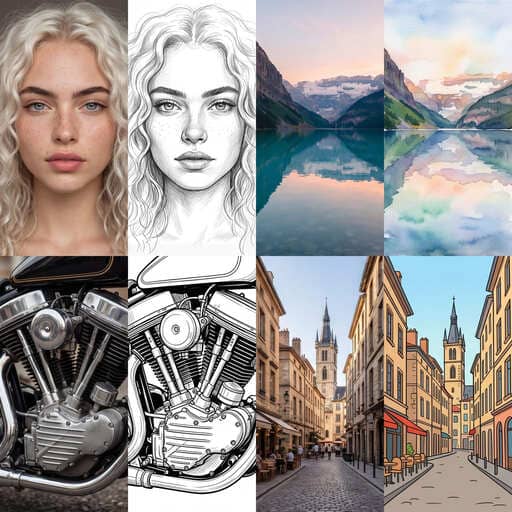
We hear you. The reason most tools fail is that they don't actually learn your face. APOB AI takes a revolutionary approach. By creating a custom AI model of your face first, it guarantees that your final digital drawing actually looks like you.
Here is how you can convert your picture to a drawing in just a few simple steps:
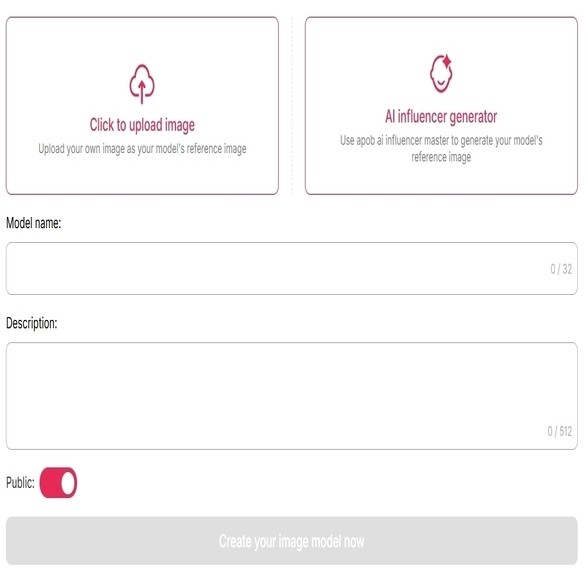
Step 1: Register and Create Your "Portrait Model"
First, create your free APOB AI account. Upload just one clear photo of the person you want to stylize. Within moments, the AI will build a custom portrait model that perfectly understands your unique facial structure.
(Note: Our picture to drawing converter is highly optimized for human portraits. While you can technically create models for pets or animals, the portrait algorithm delivers the most breathtaking, accurate results for human faces!)
Step 2: Choose Your Creative Path
Path A: You Want to Convert the Uploaded Portrait (Direct Transformation)
If the photo you just uploaded is the exact face/portrait you want to turn into a drawing, you have two ways to do it:
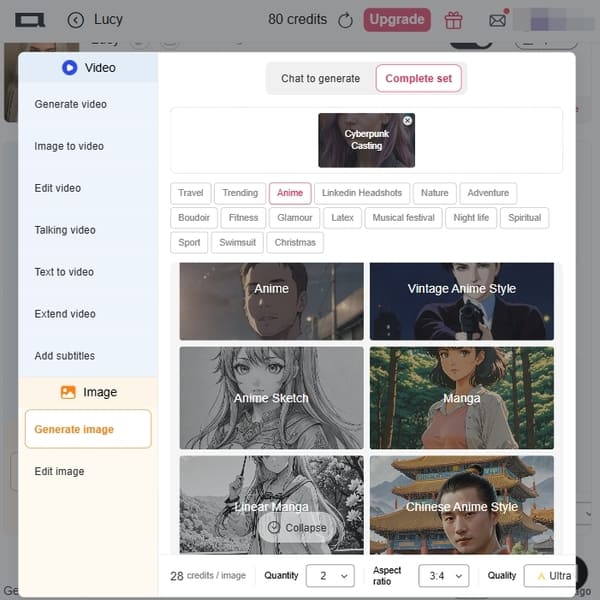
Method 1: Use Preset Templates (Complete Set)
Don't want to mess with text prompts? Navigate to the "Complete Set" tab. Here, you will find beautifully pre-configured art styles. To turn a picture into a drawing instantly, simply click on templates like Neo-Pop Art, Linear Manga, Manga, or Anime. The AI will apply the style in one click!
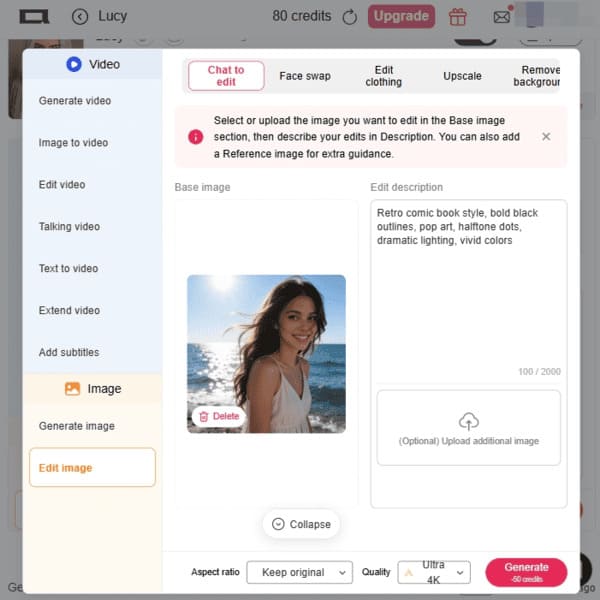
Method 2: Custom Prompts (Chat to Edit)
If you have a very specific vision and the presets aren't exactly what you need, select the "Chat to Edit" feature. Here, you can type your own custom text prompt (e.g., "draw me as a cyberpunk character"). Tip: If you aren't sure how to write a good prompt, just scroll down this page to our "10 Copy-Paste Prompts" section for inspiration!
Step 3: Select Your Aspect Ratio
Path B: You Want to Convert Landscapes, Pets, or Different Photos What if you want to turn a photo of your dog, a beautiful sunset, or a completely different picture into art? In this case, select the "Edit Image" tool. This allows you to upload any new target image (perfect for non-portrait photos). Once uploaded, simply type your desired art style into the prompt box (e.g., "gentle watercolor painting" or "pencil sketch"). Pro Tip: If you ever struggle to describe the art style you want, you can always ask AI chatbots like ChatGPT (e.g., "Give me a prompt to turn a photo into an oil painting") for great suggestions!
Whether you need a square image for an Instagram avatar (1:1), a tall portrait for a TikTok story (9:16), or a wide landscape for a YouTube thumbnail (16:9), simply select your desired Aspect Ratio from the settings panel.
Step 4: Generate & Download for Free
Click "Generate." In seconds, the AI will deliver a studio-quality digital drawing featuring your exact likeness. Love it? Download the high-resolution, watermark-free file instantly and drop it straight onto your social media profiles.
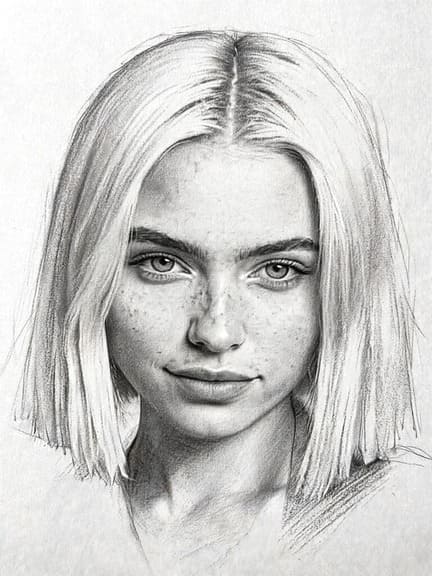
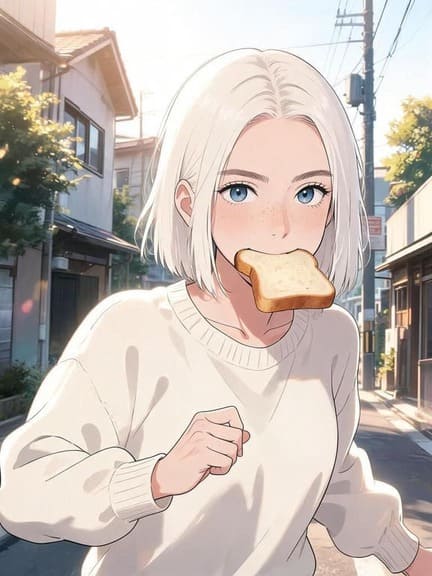
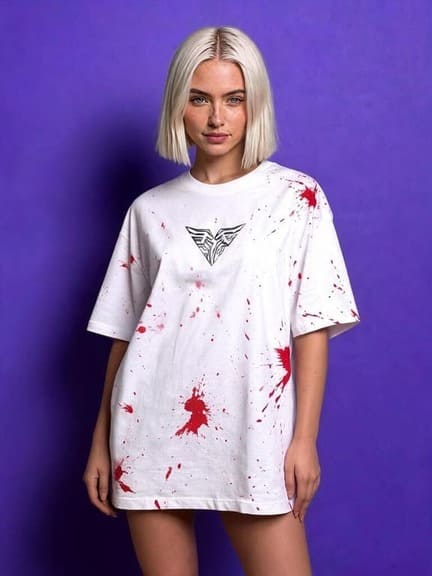
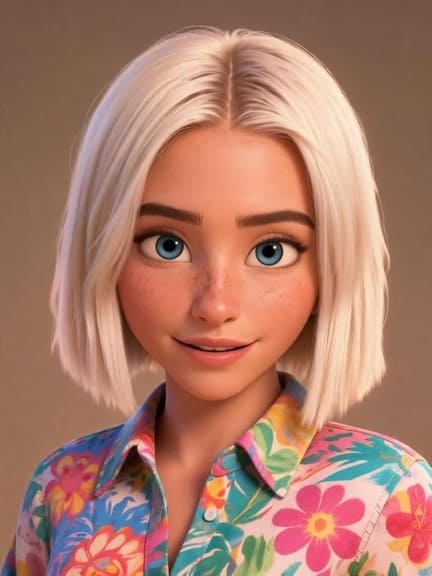
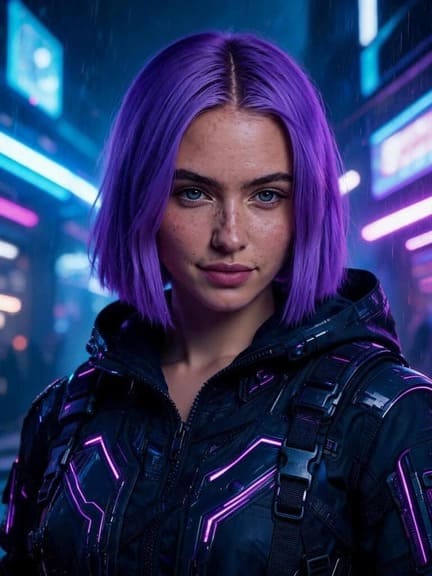
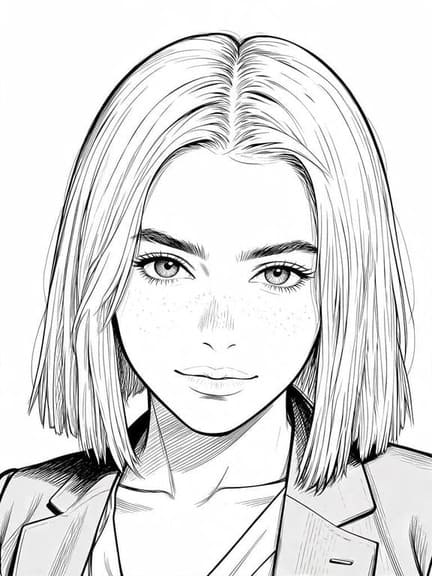
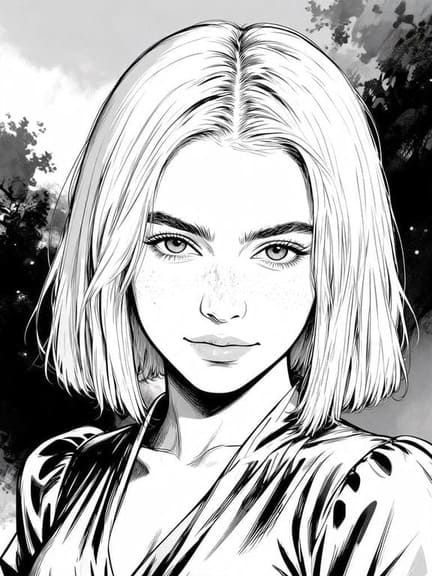
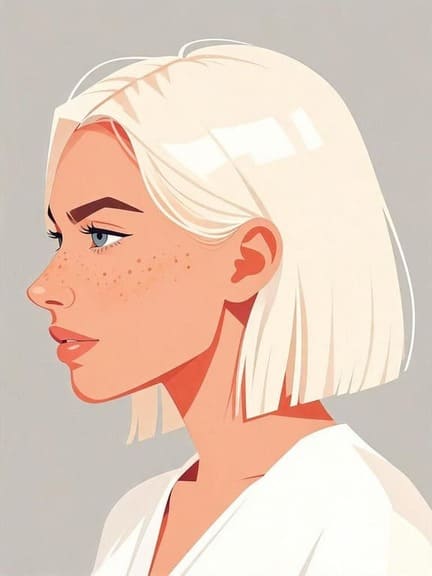
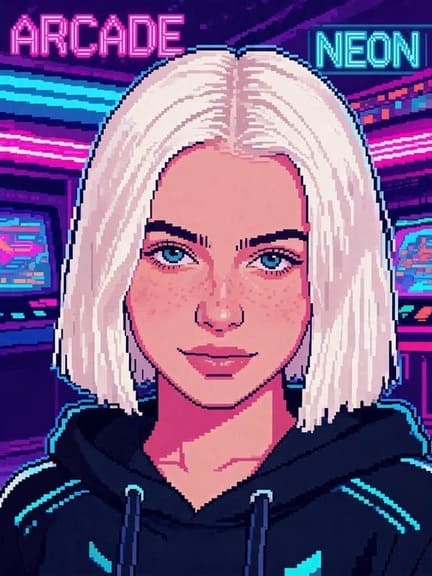
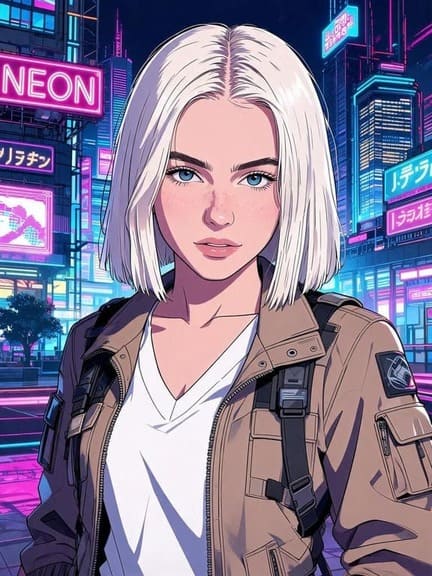
We don't trick you into generating an image only to blur it out and ask for a credit card. You can use your daily free credits to generate and download real, usable art.
Standard apps slap a generic template over your photo. Our AI portrait models analyze your facial structure to ensure the cartoon version is a recognizable caricature of you.
Don't clutter your phone with heavy apps. APOB AI runs lightning-fast directly in your Chrome or Safari browser, both on mobile and desktop.
1. The Creator Economy & YouTube Gaming
If you stream on Twitch or run a YouTube channel, branding is everything. Illustrated avatars help creators establish a recognizable brand identity without constantly sharing their real-life faces. Data Insight: According to HubSpot’s State of Marketing Report, visual content (like custom illustrations and graphics) is utilized by over 50% of marketers because it significantly boosts engagement and brand recall compared to stock imagery (HubSpot, 2023).
2. Privacy-First Professional Networking
Many professionals want to maintain a presence on Discord, Reddit, or even Slack without exposing their personal lives. A high-quality line-art or subtle watercolor portrait strikes the perfect balance between approachability and digital privacy. Data Insight: A Pew Research Center study highlights that privacy and data control are top concerns for internet users today, driving the demand for anonymous yet personalized digital representation (Pew Research Center, 2022).
3. Unique Etsy-Style Gifts
Custom portraits are a massive trend. Instead of paying premium prices on Etsy, users are creating portrait models of their loved ones on APOB AI, applying the "Oil Painting" or "Watercolor" style, and printing them onto canvases to give as heartfelt, personalized gifts to family members.
No Credit Card Required
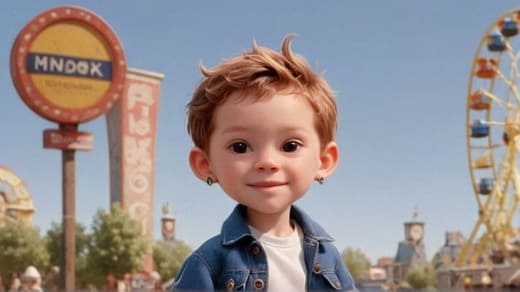
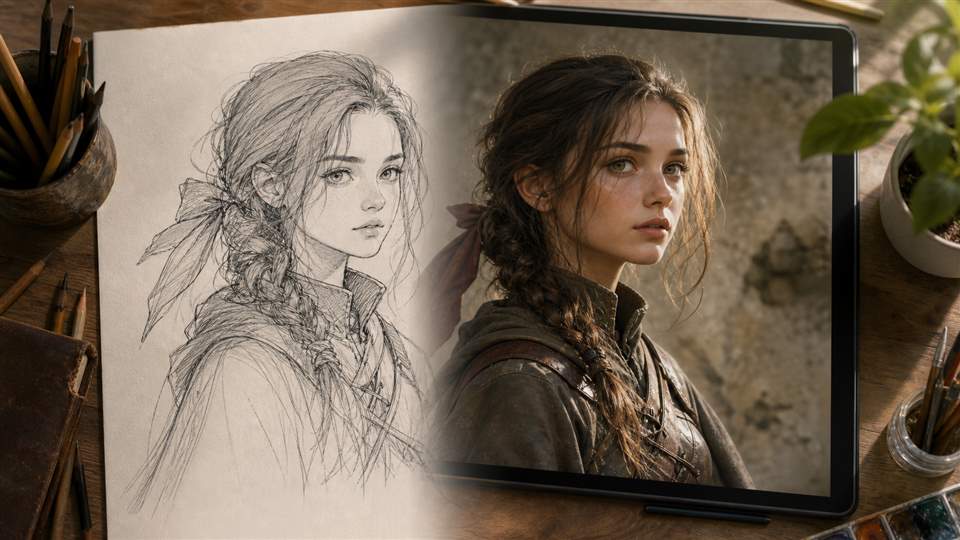
Ultimate Creative Freedom:
You aren't limited to fixed filters; text prompts and Image-to-Image sliders let you customize everything.
Cost-Effective:
Achieve professional artist-tier results for free.
Highly Accurate Likeness:
The bespoke "Portrait Model" system ensures the AI doesn't warp your identity.
Internet Reliant:
Because it uses heavy-duty cloud computing, you need a stable Wi-Fi or data connection to generate images.
Prompt Learning Curve:
While basic styles are easy, getting highly specific results (like exact clothing styles) might take a few tries to get the text prompt exactly right.
Q1. What is the best free app to turn a picture into a drawing?
A: If you are looking for high-quality, customizable results, we highly recommend APOB AI. Unlike traditional filter apps, it allows you to train a custom portrait model and use text prompts to turn a picture into a drawing, giving you complete creative control for free.
Q2. Does this picture to drawing converter work well for pet photos?
A: While APOB AI is highly optimized for human portraits (creating incredibly accurate human faces), it is versatile enough to translate animal and landscape features into stunning art using the Text-to-Image and Image-to-Image tools.
Q3. I don't want to look like a completely different person. How do I keep my facial features?
A: This is APOB AI's biggest strength! Because you start by creating a custom "Portrait Model" using your own photo, the AI learns your exact bone structure and eyes. This guarantees a much higher likeness than standard filter apps.
Q4. Do I need to download an app from the App Store or Google Play?
A: No downloads are required. APOB AI is fully accessible via your web browser. Just go to our website on your iPhone, Android, or PC, and start creating immediately.
Q5. What happens to my photos after I upload them? Are they safe?
A: Your privacy is our priority. Uploaded photos are processed securely to generate your drawing and are never stored permanently, shared with third parties, or used to train external AI models.


